Category
The following results are listed in a random order.
The standalone app of our EDL tool: convert and edit EDLs and timelines offline on your computer.
The standalone app of our marker tool: convert and edit markers between editing applications offline on your computer.
The standalone app of our subtitle tool: convert and edit subtitle files offline on your computer.
The standalone app of our ALE tool: edit, merge and convert ALE files offline on your computer.
Rewrite ALE files with fixed columns, convert them to other formats or combine multiple ALE files into one file.
Upload an EDL from your transcribed sequence and your subtitle selection to generate a cutdown EDL.
Convert subtitles to other file formats like SRT, VTT, SBV or use the tool to check subtitles for guidelines, repair, correct or move them. You can also convert subtitles to markers and use them in an editing program.
Convert and merge EDL files to CSV lists (for Excel or Google Sheets) or convert CSV lists back into an EDL file for Media Composer, Premiere, Resolve, Final Cut and others.
Generate a .gif file from a video without any watermarks.
Turn your ADR list from Excel, Google Sheets or CSV into markers for Avid Pro Tools, Media Composer, Premiere and DaVinci Resolve. Or export markers from your timeline as an ADR list.
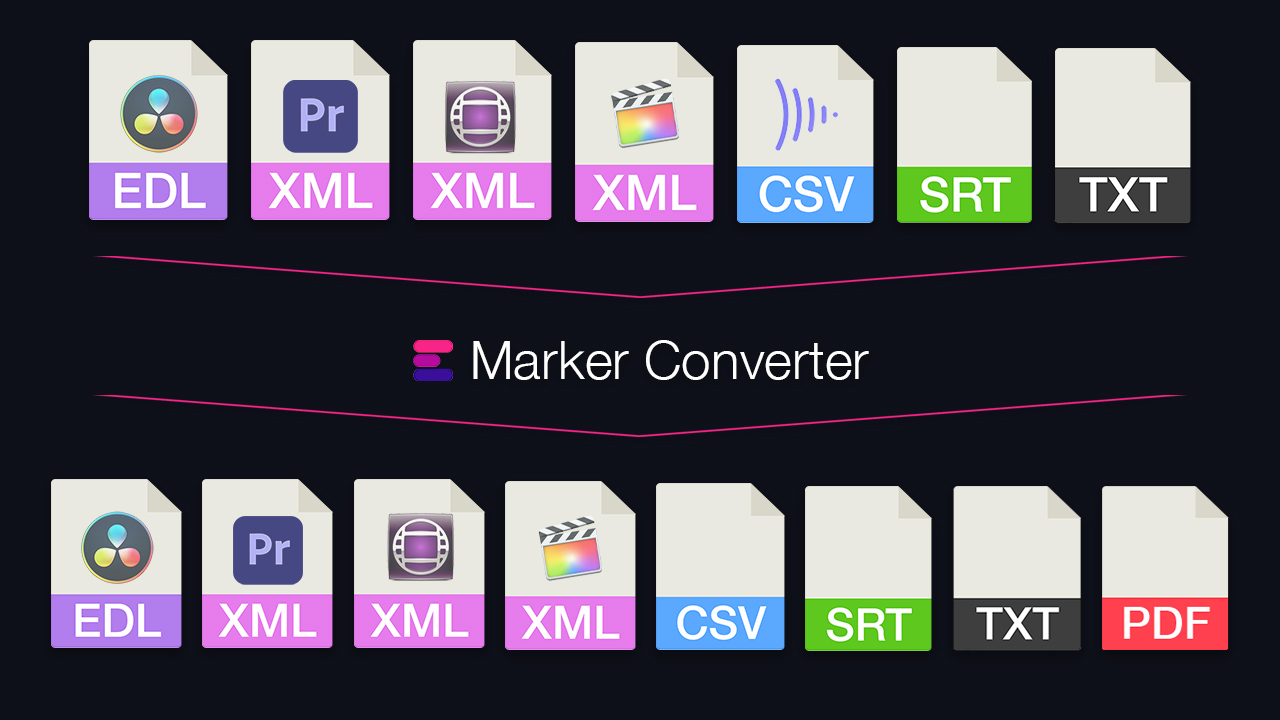
Simplify the exchange of markers between different programs. Convert timeline markers to various formats for Premiere, DaVinci Resolve, Media Composer, Pro Tools, Frame.io, Pix, CSV, Google Sheets, PDF and more. The tool also lets you filter markers by color, swap colors, or move and correct timecodes.
Convert .flx files to Excel files. Upload up to 20 individual .flx files or one zip archive containing more than 20 .flx files to merge & convert them into one file.
Use this tool to convert .FCPXMLD files from the latest version of Final Cut Pro X to earlier versions of the .fcpxml file format.
Upload your XML Timeline and auto generate a Splitscreen timeline. Ready for use. Autoscaling & Cropping.
Bulk convert a timecode list or single timecodes to different formats. You can also upload a CSV file and convert all timecodes of specified columns with one click. Learn more in our examples below.
Turn a timeline into a vector graphic (SVG) or an interactive HTML map.