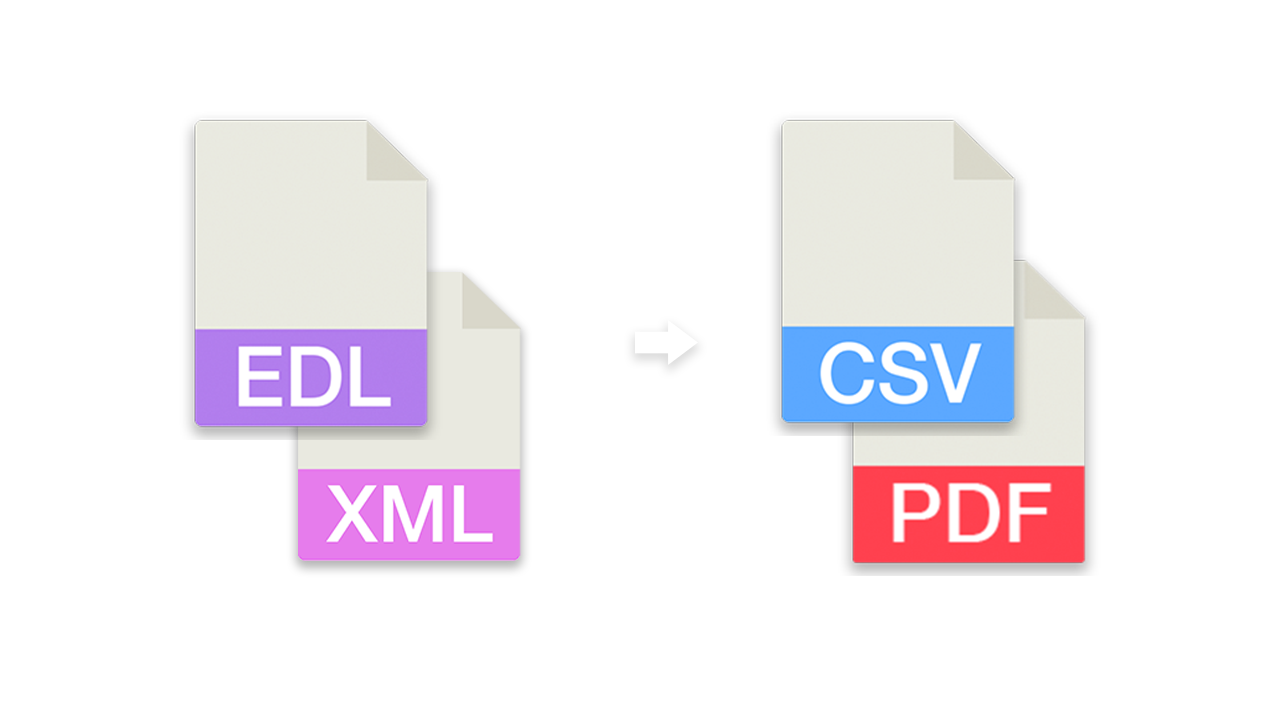
Convert and merge EDL files to CSV lists (for Excel or Google Sheets) or convert CSV lists back into an EDL file for Media Composer, Premiere Pro, Resolve, Final Cut and others.
Use this EDL tool to convert different NLE sequence formats. Check out the following documentation to see if this tool is suitable for your use case. In case you need to create VFX, stock or music lists, we may have even better tools for that. The converter will ignore most audio tracks and video transitions can cause problems.

[Premiere Pro, DaVinci Resolve][Experimental]The tool is not made for converting complete editing sequences into another format for further editing in another NLE. We recommend using the conversion options in DaVinci Resolve, for example.
Make sure that you only include necessary information like the original file names in your EDL export. Most of the other export options are not needed to use this tool. Information about audio or video levels, transitions, LUTs or effects are irrelevant for this tool and should be disabled.
EDL files have some limitations, like the amount of video tracks, the missing details about framerates of the source clips or the sum of total entries. Depending on the use case, you should therefore rely on an XML (Final Cut Pro 7 XML) file or other XML format.

The EDL tool automatically removes duplicate or identical entries. Duplicates with the same timecode and the same clip name will be removed.
You can merge up to 15 sequence files of the same file format.
If you activate this option, all clips will be sorted by clip name. The timecode will be adjusted automatically.
If you activate this option, all clips will be sorted in reverse order. The timecode will be adjusted automatically. If you use this option together with "Order by clip name", the clips will be ordered by name in descending.
This option allows you to add handle frames to each clip. This can be useful for some color workflows. The handle length can be between 1 and 50 frames.
This option will compare the previews clip with the next clip and will merge them into one clip if the source clip timecodes overlap. It's an option for collecting source clips e.g. for some color or VFX workflows.
This option will overwrite the clip name with the name given in the locator.
This option will overwrite the tape name with the file name. You can choose if it should be always overwritten or only if the Tape Value is "AX".
This function removes frame range in clip names and thus simplifies relinking of image sequences in Premiere Pro and similar programs. If this option is activated, all strings in all columns containing files with the extension ".arx" or ".dpx" are corrected. For example, A001C001_220101.[11012010-11021020].arx becomes A001C001_220101.arx or vfx_193.[000-240].dpx becomes vfx_193.dpx.
This option ignores all files with the following file extension: wav, mp3, aiff, aac, aif, asnd, m4a, omf, aaf
If you export into any sheet format (csv, xls,...) you can customize the columns and activate the "Source Duration" column. This will calculate the duration of the source clip which can variate from the sequence duration. Please note that this value can be wrong in some cases if the frame rate of the source clip differs from the frame rate of the sequence. The reason for this is that the EDL or XML does not provide sufficient information about the frame rates of the original clips.
This option allows you to replace or fix 8 character reel names within an EDL with the full reel/tape name from an ALE. This is needed, for example, when a short version of the reel name is used in editing, but needs to be fixed for conforming or vfx pull requests.
This option is often used in workflows with Avid Media Composer or Adobe Premiere Pro to correct errors made during the initial pre-editing import of footage.
In Pro Tools, go to "File > Export > Session Info as Text...", enable "Include Track EDLs" and export the .txt file. Upload it here to convert the clips of your audio tracks into an EDL, CSV, Excel or another format.
The timecode format of the session is used as framerate. A clip on both channels of a stereo track becomes one stereo event. Fades are not exported as clips.
Newer versions of Final Cut Pro export XML as a .fcpxmld bundle (a folder). Upload the bundle as it is or zipped (.zip), or upload a .fcpxml file. To change the version of an fcpxml/fcpxmld file only, use our FCPXMLD Converter.
This tool accepts semicolon-separated and comma-separated .csv files.
Download the demo file: preset_edl.csv
Headers
No, Name, Tracks, Timecode In, Timecode Out, Tape, Start, End, Channels, Loc TC, Loc Name, Loc Color
Our free EDL tool offers a huge amount of features to convert and modify files. However, there are some limitations on the free tier that require a PRO subscription to unlock.
Explore Pro Features| Feature | Free | Pro |
|---|---|---|
| Conversion limit | Fair Use | No limit |
| File encryption | ✕ | ✓ |
We have recently started making our EDL Converter available as an app on macOS and iOS. It is aimed at users on air-gapped systems and enterprise customers.
The supported formats and features in the standalone app are outlined in the app store description – please read it before purchase.
Whether you're a developer or just want to automate more processes with tools like Zapier or Make, you can easily integrate this tool into your workflows with our API. Learn more about integrating the REST API in our API documentation.
API Documentation