Upload your XML or EDL timeline, filter its content and export the result as a list sorted by file name. Please flatten your multicam clips in the timeline before you export it. XML files give better results than EDL files.
This tool allows you to extract and clean voices from an audio file, or remove a voice from an audio clip altogether. Upload one or more files to split the audio file and create a voice stem and a noise stem. The Noise Stem is a voiceless file that can be used as a karaoke or ambience track, for example.
Upload a video still or picture to calculate the true aspect ratio of an image. Letterbox or pillar box will be automatically detected and removed.
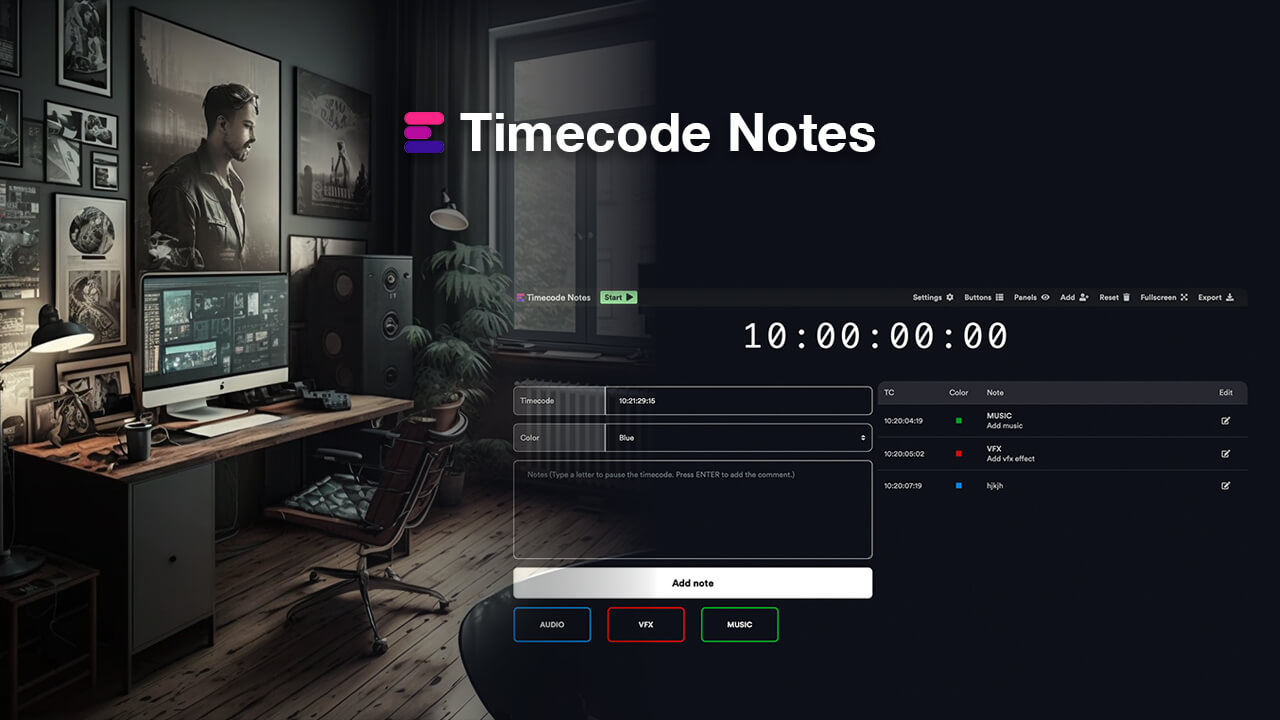
Create editorial notes for recordings, review sessions, feedback meetings, events, broadcasts, video streams, or any event where you need custom timecode. All comments can be exported as markers to any NLE (for further editing) or to CSV, PDF, Excel, and more. You can also collaborate with your team in real time in a shared Team Event session.