This plugin simplifies the process of creating detailed codebooks and exporting thumbnails from DaVinci Resolve Studio. Streamline your post-production workflow by generating Excel spreadsheets containing embedded images and metadata directly from your sequence. Bring together all the information you need to make quick, informed decisions in a single document.
for DaVinci Resolve Studio
for Windows and macOS
The free version of DaVinci Resolve does not support scripting API features like GrabStill(). Therefore, the export of thumbnails is not supported in the free Version of Resolve.
openpyxl, Pillow, tkinter
Capture the first, last, or middle frame of each clip to generate accurate visual references.
Choose the fields you need: clip name, timecode, resolution, file path, and more.
Get a clean and organized Excel file that combines text and images for easy editorial review.
.py file called "Codebook_Generator" into the plugin folder:
/Library/Application Support/Blackmagic Design/DaVinci Resolve/Fusion/Scripts/Edit/
Windows: C:\ProgramData\Blackmagic Design\DaVinci Resolve\Support\Fusion\Scripts\Edit\
pip install openpyxl Pillow
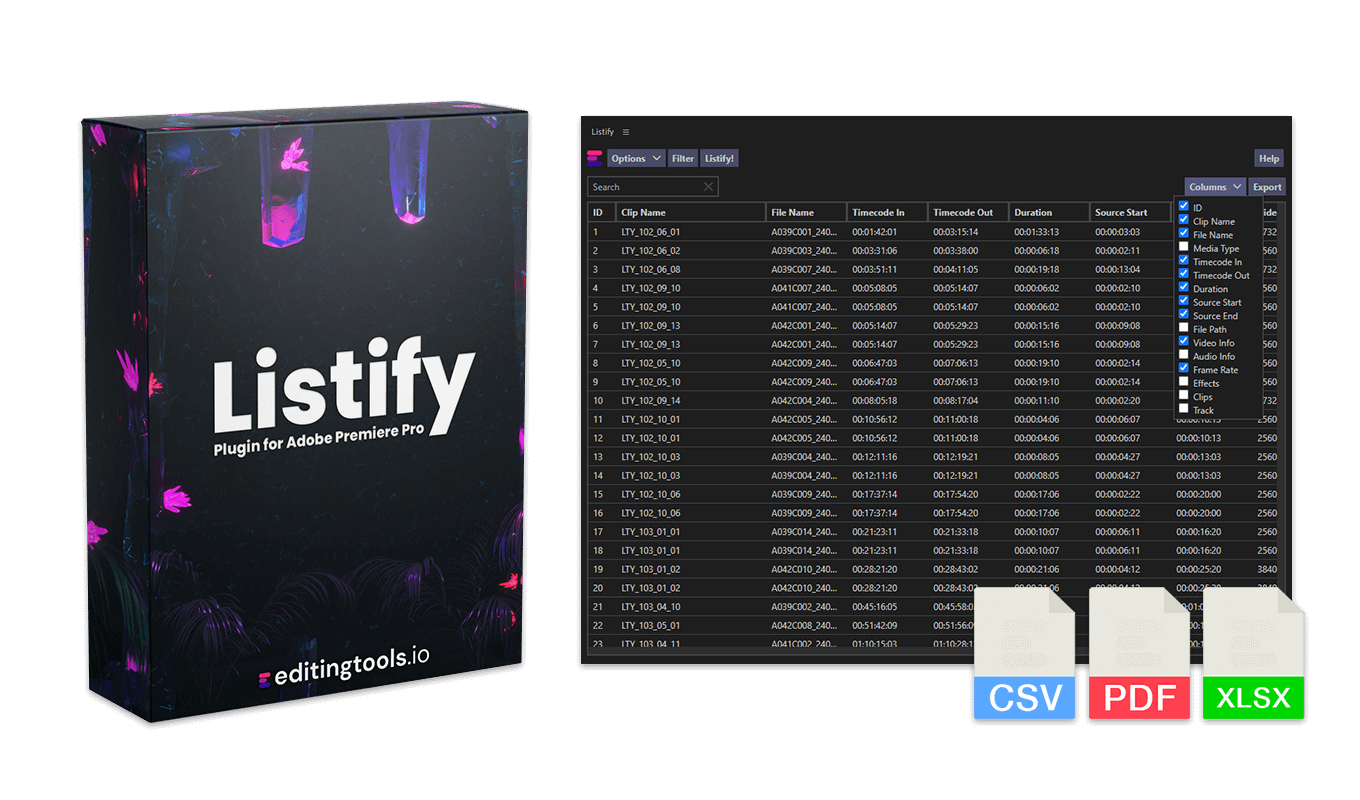
.xlsx.Our "Listify" plugin offers similar features, including direct export to CSV, PDF, and Excel, plus powerful filter functions and thumbnail support.
Check out Listify
If you have any questions or feature requests, please contact our support team. We are happy to assist you!
1. Close DaVinci Resolve.
2. Copy the '.py' file into the Scripts folder (see paths above).
3. Restart DaVinci Resolve.
Go to Workspace > Scripts > Edit > DB_Codebook_Generator...
Close and then reopen the panel. This should reload the plugin. If that doesn't work, try restarting DaVinci Resolve or reinstalling the latest version.
Yes. Simply login to download the latest version.
The plugin works on Windows and MacOS.
Remove the '.py' file called 'Codebook_Generator' from the plugin folder.
If you need a feature for the plugin, a new option or an individual customized version, please send us a message. We offer custom solutions for your business.
Daniel Bañuelos leads development for this tool, which is published and distributed via EditingTools.io.